Skip to content
Shiny Controls v1.0 - The Ultra Control Suite for .NET MAUI & BlazorO...M...G!

ShinyImage

A remote image that always shows something: placeholder artwork, a loading ring, the image itself, or error artwork. On MAUI it loads through an IImageService that caches to memory and disk, caps how many downloads run at once, and collapses concurrent requests for the same URI into a single download. On Blazor it streams through fetch so the ring can report a real percentage.

  • NuGet downloads for Shiny.Maui.Controls
  • NuGet downloads for Shiny.Blazor.Controls
Frameworks
.NET MAUI
Blazor

MAUI (iOS)

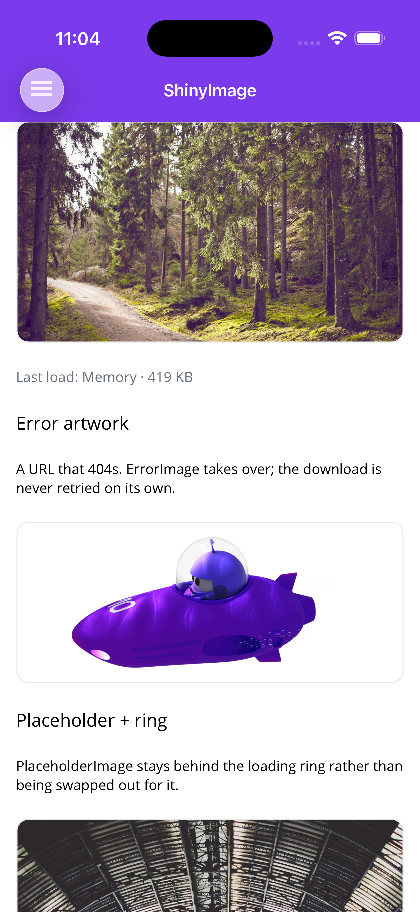
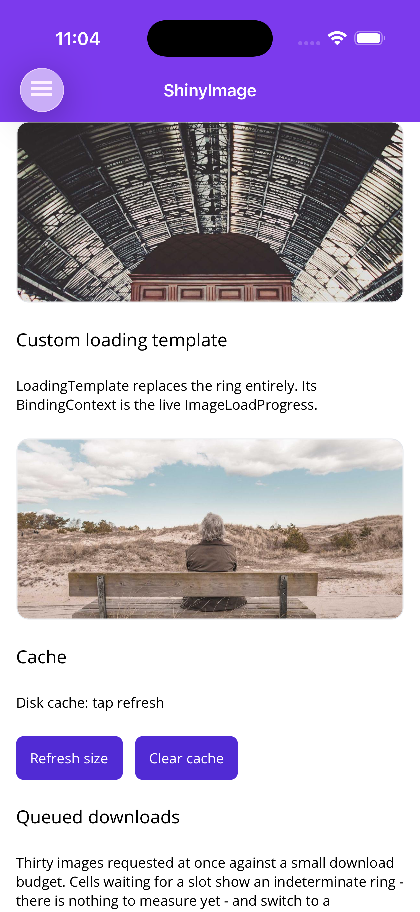
Loaded, error artwork, placeholder Custom loading template Queued downloads
A loaded photo, the built-in error glyph for a 404, and the placeholder section A LoadingTemplate replacing the ring, bound to the live progress Thirty images sharing a small download budget

Blazor

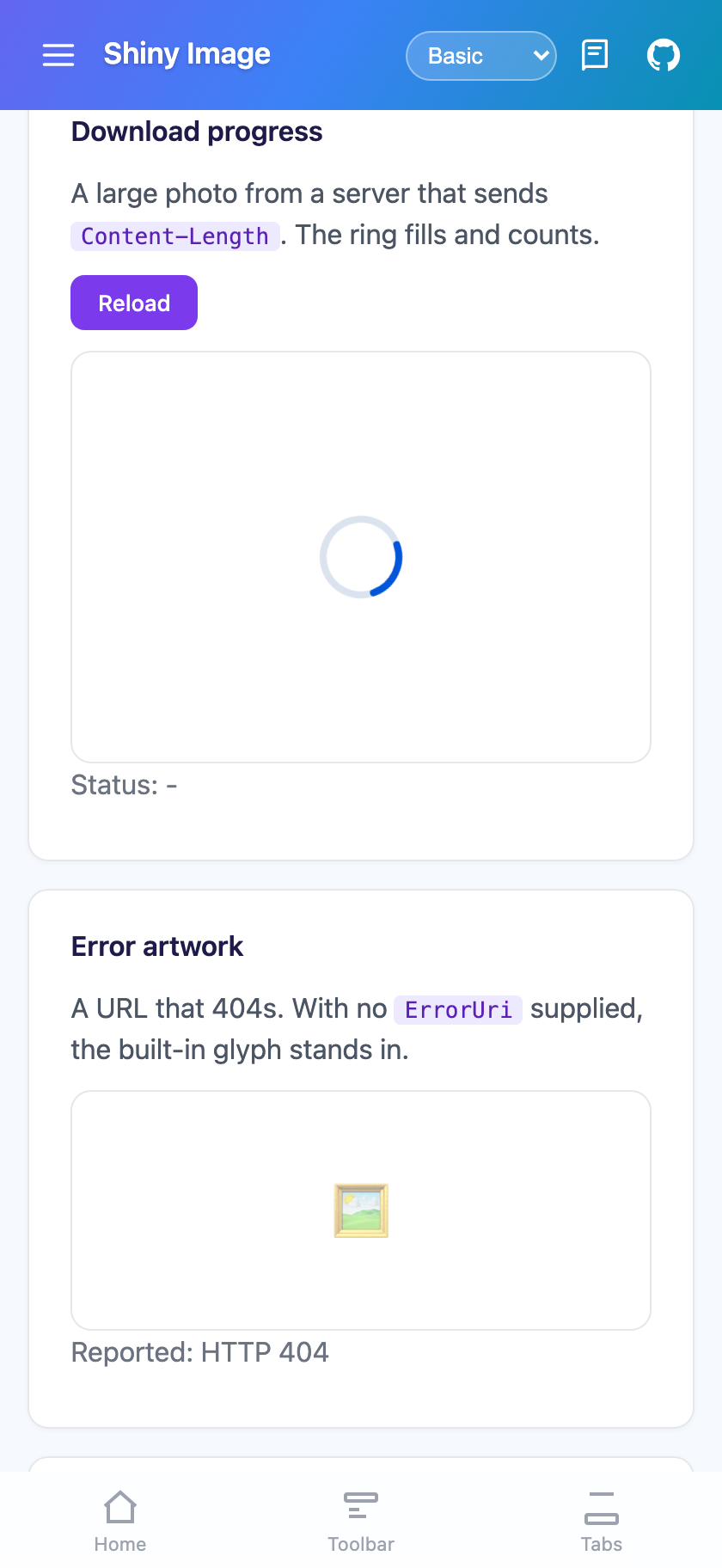
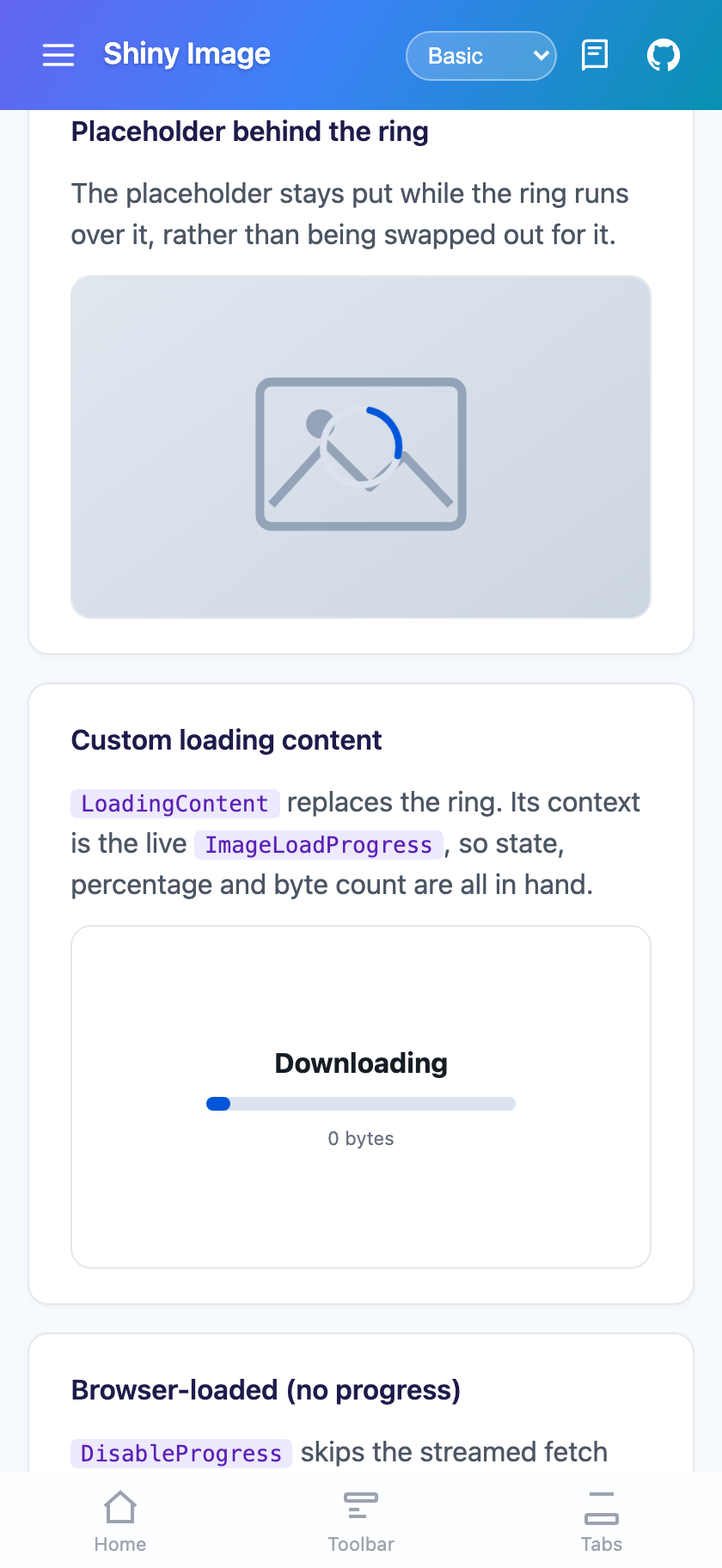
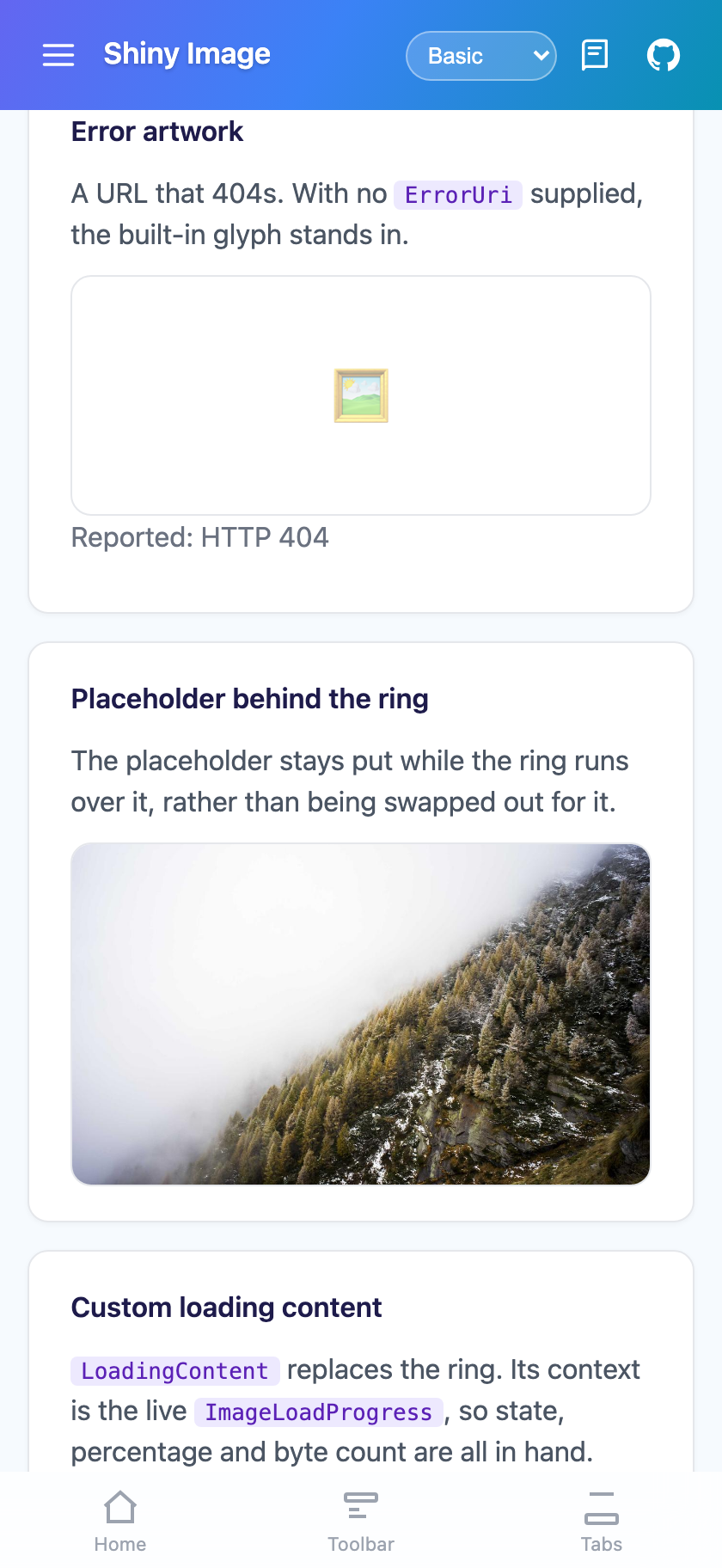
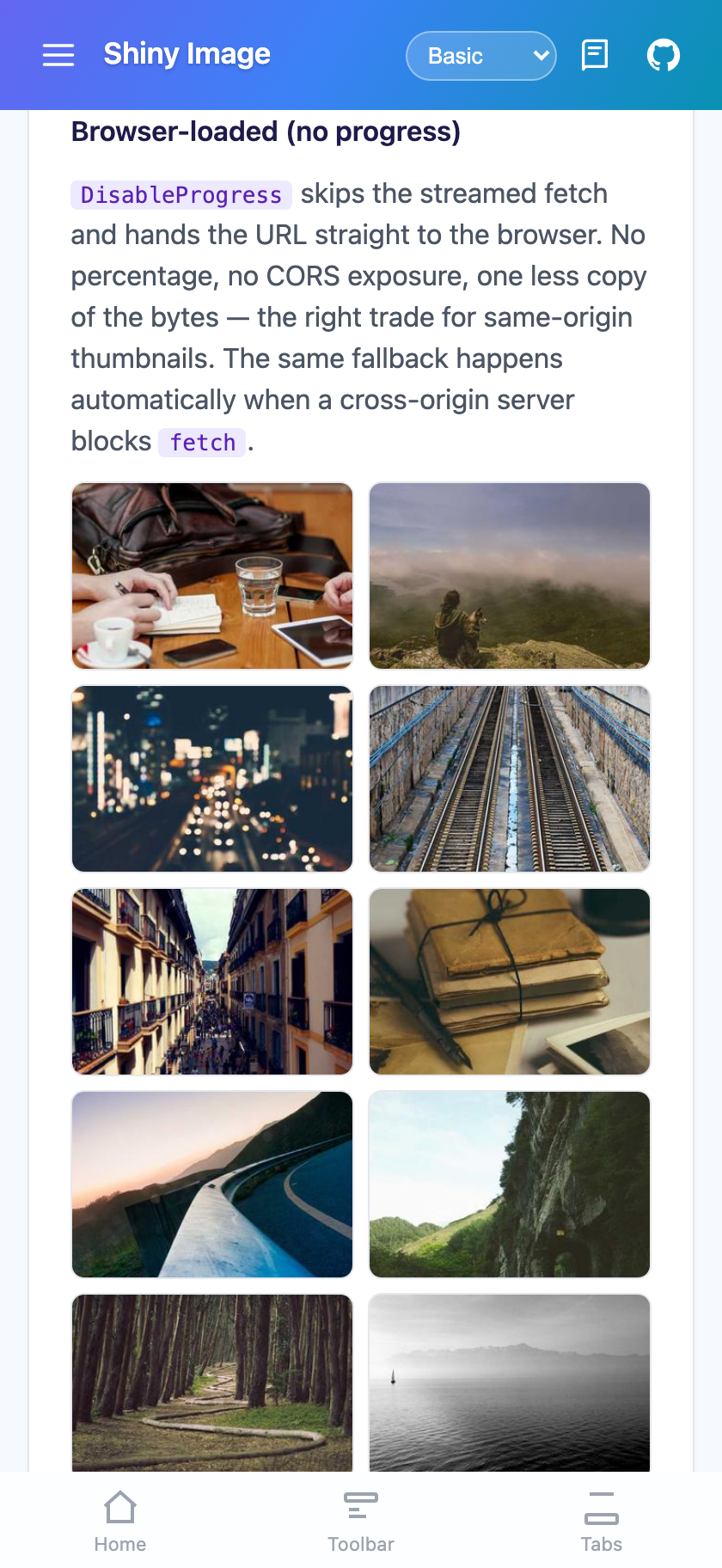
The ring Placeholder behind the ring Error artwork Browser-loaded thumbnails
The progress ring while a photo streams in Placeholder artwork staying put under the ring, plus a custom LoadingContent Error artwork after an HTTP 404 DisableProgress handing thumbnails straight to the browser

MAUI

<shiny:ShinyImage Uri="{Binding AvatarUrl}"
PlaceholderImage="avatar_placeholder.png"
ErrorImage="broken_image.png"
Aspect="AspectFill"
HeightRequest="120" />

Blazor

<ShinyImage Uri="@PhotoUrl"
PlaceholderUri="/images/placeholder.svg"
Alt="Profile photo"
ObjectFit="cover" />

The placeholder sits behind the loading ring rather than being swapped out for it, so a blurred thumbnail with a progress ring over it is two properties.

There is no IsIndeterminate to set. Percent is null in exactly the cases where a percentage would be a lie:

  • the request is queued, waiting for a download slot — nothing has been measured yet
  • the response carried no Content-Length (chunked transfer, or a proxy that stripped it)
  • the browser is loading the image itself (the Blazor CORS fallback, below)

Null means the ring spins; anything else means it fills and counts. Bind Uri and let the control decide.

Property Type Default Description
Uri string? null The image to load. http/https goes through IImageService; anything else loads as a local file or bundled resource
Source ImageSource? null An explicit source. Takes precedence over Uri and skips the service entirely
PlaceholderImage ImageSource? null Artwork shown before and during the load, behind the ring
ErrorImage ImageSource? null Artwork shown on failure. Ignored when ErrorTemplate is set
LoadingTemplate DataTemplate? null Replaces the ring. BindingContext is the live ImageLoadProgress
ErrorTemplate DataTemplate? null Replaces the error artwork
Aspect Aspect AspectFit How the image scales. Applies to the placeholder too
FadeInDuration uint 150 Fade-in milliseconds once loaded. 0 shows it instantly
RingSize double 48 Diameter of the loading ring
RingColor Color? null Progress arc; null uses the theme Primary token
RingTrackColor Color? null Unfilled track; null uses SurfaceContainerHighest
ProgressTextColor Color? null Percentage label; null uses OnSurface
ShowProgressText bool true Draw the percentage inside the ring. Never shown when indeterminate
CacheEnabled bool true Whether this image participates in the caches
CacheDuration TimeSpan? null Overrides ImageOptions.DiskCacheDuration for this image
State ImageLoadState None Read-only: None, Queued, Downloading, Loaded, Failed
Progress ImageLoadProgress Read-only live snapshot
IsLoading bool false Read-only: true while queued or downloading
LoadError Exception? null Read-only: why the last load failed
ImageLoadedCommand ICommand? null Invoked with ImageLoadedEventArgs
ImageFailedCommand ICommand? null Invoked with the exception

Events: ImageLoaded, ImageFailed. Method: ReloadAsync().

Parameter Type Default Description
Uri string? null The image to load
PlaceholderUri string? null Artwork shown before and during the load
ErrorUri string? null Artwork on failure. A built-in glyph is used when neither this nor ErrorContent is set
Alt string? null Alt text
ObjectFit string contain CSS object-fit
FadeInDuration int 150 Fade-in milliseconds
LoadingContent RenderFragment<ImageLoadProgress>? null Replaces the ring; context is the live progress
ErrorContent RenderFragment<ImageLoadProgress>? null Replaces the error artwork
RingSize double 48 Ring diameter in px
ShowProgressText bool true Percentage inside the ring
RingColor / RingTrackColor / ProgressTextColor string theme vars CSS colours
DisableProgress bool false Skip the streamed fetch; let the browser load the URL directly
ErrorGlyph string 🖼 Glyph used when no error artwork is supplied
CssClass string? null Extra classes on the wrapper

Callbacks: ImageLoaded, ImageFailed. Method: ReloadAsync().

ImageLoadProgress exposes State, BytesRead, TotalBytes, Percent (0-1 or null), PercentDisplay (0-100) and IsIndeterminate.

<shiny:ShinyImage Uri="{Binding PhotoUrl}" Aspect="AspectFill" HeightRequest="180">
<shiny:ShinyImage.LoadingTemplate>
<DataTemplate x:DataType="shiny:ImageLoadProgress">
<VerticalStackLayout Spacing="6" HorizontalOptions="Center" VerticalOptions="Center">
<Label Text="{Binding State}" FontAttributes="Bold" />
<shiny:ProgressBar Value="{Binding PercentDisplay}"
IsIndeterminate="{Binding IsIndeterminate}"
WidthRequest="160" />
</VerticalStackLayout>
</DataTemplate>
</shiny:ShinyImage.LoadingTemplate>
</shiny:ShinyImage>
<ShinyImage Uri="@PhotoUrl" ObjectFit="cover">
<LoadingContent>
<strong>@context.State</strong>
<ProgressBar Value="@context.PercentDisplay" IsIndeterminate="@context.IsIndeterminate" />
</LoadingContent>
</ShinyImage>
builder.UseShinyControls(cfg => cfg
.ConfigureImages(o =>
{
o.MaxConcurrentDownloads = 4; // past this, requests report Queued
o.DiskCacheDuration = TimeSpan.FromDays(7);
o.CacheDirectory = null; // null => <platform cache>/shinyimage
o.MaxDiskCacheBytes = 100 * 1024 * 1024; // LRU-trimmed to 80% when exceeded
o.MemoryCacheEnabled = true;
o.MaxMemoryCacheBytes = 32 * 1024 * 1024;
o.MaxMemoryItemBytes = 2 * 1024 * 1024; // larger images stay disk-only
o.Timeout = TimeSpan.FromSeconds(60);
})
);

Inject IImageService for cache management:

await imageService.ClearCacheAsync(); // both tiers
await imageService.ClearCacheAsync(oneUrl); // one entry
var bytes = await imageService.GetCacheSizeAsync();
await imageService.PrefetchAsync(nextPageUrls); // warm the next page of a list

GetAsync returns an ImageResult carrying Success, Bytes, FilePath, ContentLength, Origin (Memory/Disk/Network) and Error. Failures come back as Success == false rather than as a throw — a broken image URL in a list should render error artwork, not unwind the caller.

Bind the same avatar URL into a dozen visible cells and, without de-duplication, a dozen requests go out for one image — each holding a download slot, so the rest of the list stalls behind duplicates of a picture already being fetched. ImageService collapses them into a single download and fans the progress out to every waiting control.

For authenticated images — the one thing a plain Image or <img> genuinely cannot do — replace IImageDownloader, not the whole service. Caching, queueing and de-duplication stay where they are.

class AuthenticatedDownloader(HttpClient client, ITokenStore tokens) : IImageDownloader
{
public async Task<ImageDownloadResult> DownloadAsync(ImageRequest request, CancellationToken ct)
{
var msg = new HttpRequestMessage(HttpMethod.Get, request.Uri);
msg.Headers.Authorization = new("Bearer", await tokens.GetAsync(ct));
var response = await client.SendAsync(msg, HttpCompletionOption.ResponseHeadersRead, ct);
response.EnsureSuccessStatusCode();
return new ImageDownloadResult(
await response.Content.ReadAsStreamAsync(ct),
response.Content.Headers.ContentLength, // this is what makes the ring determinate
response.Content.Headers.ContentType?.MediaType
);
}
}
// builder.UseShinyControls(cfg => cfg.SetCustomImageDownloader<AuthenticatedDownloader>());

Return the body stream unread — the service pumps it and reports progress. HttpCompletionOption.ResponseHeadersRead is what makes Content-Length available before the body arrives.

cfg.SetCustomImageService<T>() replaces the whole pipeline, caching included. Prefer the downloader hook unless you genuinely need your own cache.

There is no cache layer on Blazor, deliberately: the browser already has a well-tuned HTTP cache with correct revalidation, shared across tabs and persisted between sessions. What Blazor does add is progress — remote images are streamed through fetch and a ReadableStream reader so the ring can show a genuine percentage. No <img> element can report this; the DOM has no progress event for images.

For authenticated images, register a downloader:

builder.Services.AddShinyImages(); // routes through the registered HttpClient
builder.Services.AddShinyImages<AuthenticatedDownloader>(); // or your own IImageDownloader

The Blazor IImageDownloader returns ImageDownloadResult(byte[] Bytes, string? ContentType) — a different shape from the MAUI one, because the bytes end up in a blob URL rather than a file.

claude plugin marketplace add shinyorg/skills
claude plugin install controls@shiny
copilot plugin marketplace add https://github.com/shinyorg/skills
copilot plugin install controls@shiny
View controls Plugin