


StaggeredGrid
A masonry (waterfall) grid layout that places items into columns of equal width and lets each item’s height vary naturally, eliminating the uniform-height constraint of standard grids. Native handlers deliver high-performance scrolling on every platform.


Frameworks
.NET MAUI
Blazor
MAUI
| Two Columns | Three Columns |
|---|---|
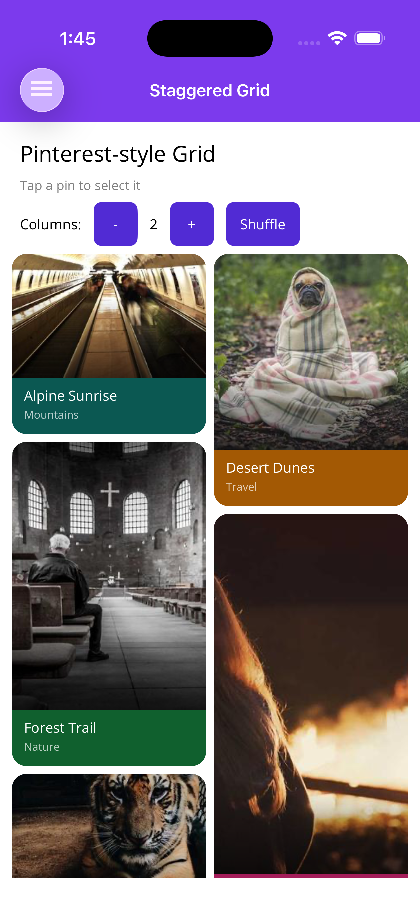 |
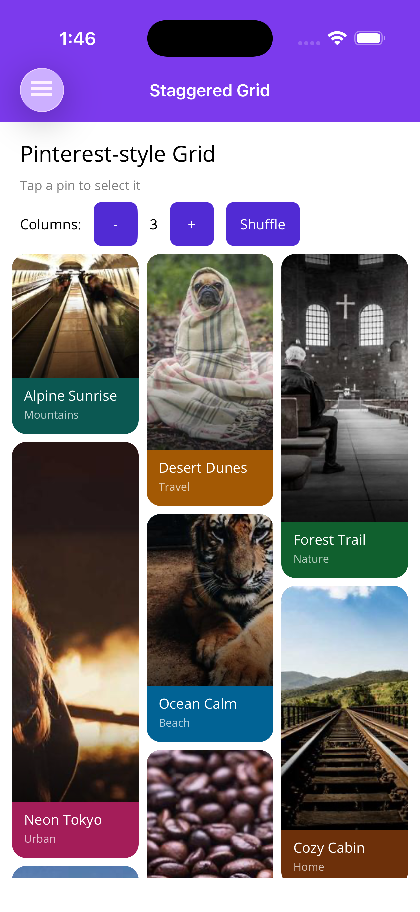 |
Blazor
| Masonry layout | Image gallery |
|---|---|
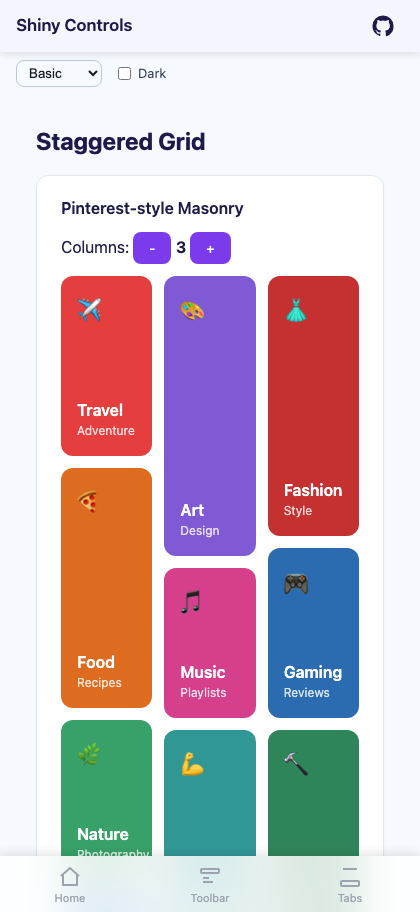 |
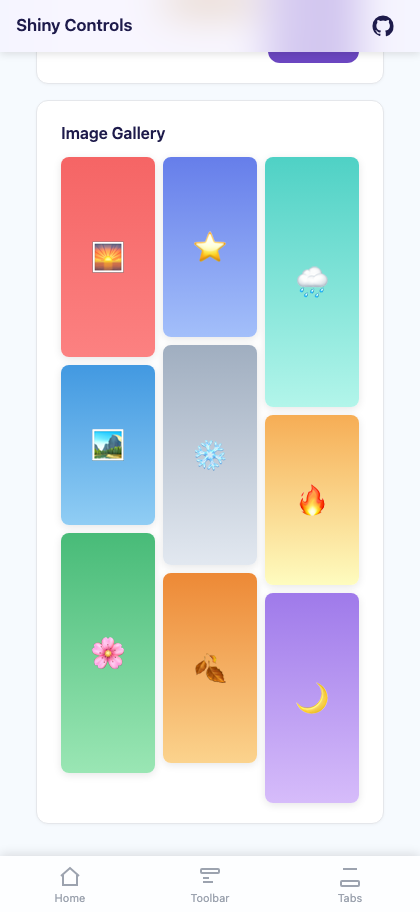 |
Features
Section titled “Features”| Feature | Description |
|---|---|
| Variable-Height Items | Each item fills its natural height; the next item is placed in the shortest column, producing the classic Pinterest waterfall effect. |
| Configurable Column Count | Set ColumnCount to any integer to control the number of columns. |
| Native Handlers | Android: RecyclerView with StaggeredGridLayoutManager; iOS: custom WaterfallLayout (UICollectionViewLayout); Windows: WaterfallVirtualizingLayout; Blazor: CSS column-count. |
| Empty View | Provide an EmptyViewTemplate / EmptyTemplate to render a placeholder when the data source is empty. |
| Item Selection | ItemSelectedCommand (MAUI) and ItemSelected (Blazor) surface tap/click interactions. |
AI Skill
Section titled “AI Skill”Step 1 — Add the marketplace:
claude plugin marketplace add shinyorg/skillsStep 2 — Install the plugin:
claude plugin install shiny@shinyOne plugin installs all 48 Shiny skills. Your agent loads only the skill relevant to what you're building, so there's no cost to having them all available.
Step 1 — Add the marketplace:
copilot plugin marketplace add https://github.com/shinyorg/skillsStep 2 — Install the plugin:
copilot plugin install shiny@shinyOne plugin installs all 48 Shiny skills. Your agent loads only the skill relevant to what you're building, so there's no cost to having them all available.
Quick Start
Section titled “Quick Start”.NET MAUI
Section titled “.NET MAUI”<shiny:StaggeredGrid ItemsSource="{Binding Photos}" ColumnCount="2" ColumnSpacing="8" RowSpacing="8" ItemSelectedCommand="{Binding OpenPhotoCommand}"> <shiny:StaggeredGrid.ItemTemplate> <DataTemplate> <Border StrokeShape="{RoundRectangle CornerRadius=8}"> <Image Source="{Binding Url}" Aspect="AspectFill" /> </Border> </DataTemplate> </shiny:StaggeredGrid.ItemTemplate> <shiny:StaggeredGrid.EmptyViewTemplate> <DataTemplate> <Label Text="No photos yet" HorizontalOptions="Center" /> </DataTemplate> </shiny:StaggeredGrid.EmptyViewTemplate></shiny:StaggeredGrid>Blazor
Section titled “Blazor”<StaggeredGrid Items="photos" ColumnCount="2" ColumnSpacing="16" RowSpacing="16" ItemSelected="OnPhotoSelected"> <ItemTemplate Context="photo"> <div class="photo-card"> <img src="@photo.Url" alt="@photo.Title" /> </div> </ItemTemplate> <EmptyTemplate> <p>No photos yet.</p> </EmptyTemplate></StaggeredGrid>
@code { List<Photo> photos = [];
void OnPhotoSelected(Photo photo) { }}Properties
Section titled “Properties”| Property | MAUI Type | Blazor Type | Default | Description |
|---|---|---|---|---|
| ItemsSource / Items | IEnumerable | IReadOnlyList<TItem> | – | Collection of items to display |
| ItemTemplate | DataTemplate | RenderFragment<TItem> | – | Template for each grid item |
| EmptyViewTemplate / EmptyTemplate | DataTemplate | RenderFragment | – | Content shown when the source is empty |
| ColumnCount | int | int | 2 | Number of masonry columns |
| ColumnSpacing | double | double | – / 16 | Horizontal gap between columns in px |
| RowSpacing | double | double | – / 16 | Vertical gap between items in px |
Events & Commands
Section titled “Events & Commands”MAUI:
ItemSelectedCommand(ICommand) – Fired when a grid item is tapped; parameter is the selected item
Blazor:
ItemSelected(EventCallback<TItem>) – Fired when a grid item is clicked/tapped
Behavior
Section titled “Behavior”- Items are distributed into columns using a shortest-column-first algorithm so column heights stay balanced
- On iOS, if the root view of the
ItemTemplatehas an explicitHeightRequest, it is used directly for layout measurement. This is the most reliable approach for items with remote images or async content ColumnCountchanges at runtime trigger a full layout pass- When
ItemsSource/Itemsis null or empty,EmptyViewTemplate/EmptyTemplateis rendered in its place ColumnSpacingapplies between columns;RowSpacingapplies between items within a column