


Carousel
Carousel<TItem> is a Blazor-only carousel built on a transform-based drag engine — click-and-drag on desktop, flick with momentum on touch — rather than native scroll-snap. It brings Embla-style behaviour to Blazor: alignment, slides-per-view, slides-to-scroll, variable widths, seamless looping, scroll-linked effects, autoplay / auto-scroll, and a counter, progress bar, and thumbnail strip.
For MAUI ↔ Blazor parity, use CarouselGallery instead. Use Carousel when you want the richer Blazor-only drag experience.

| Default | Slides per view | Variable widths | Autoplay |
|---|---|---|---|
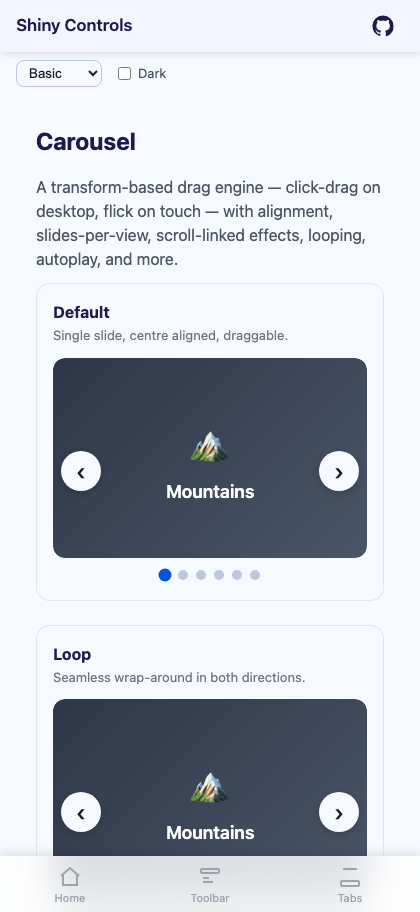 |
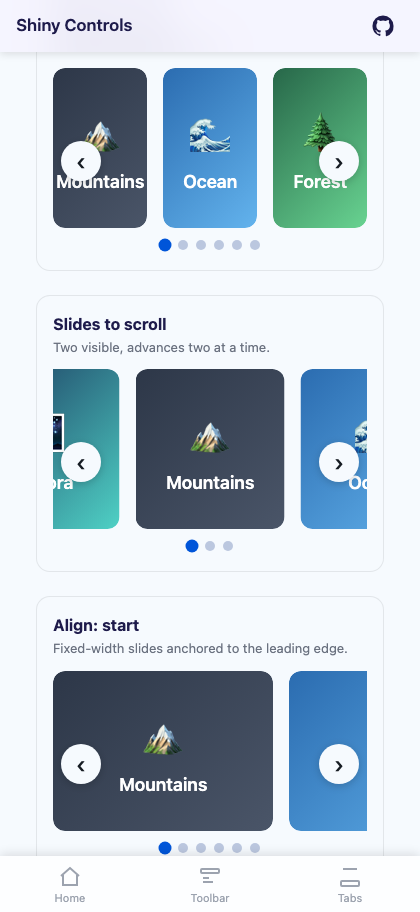 |
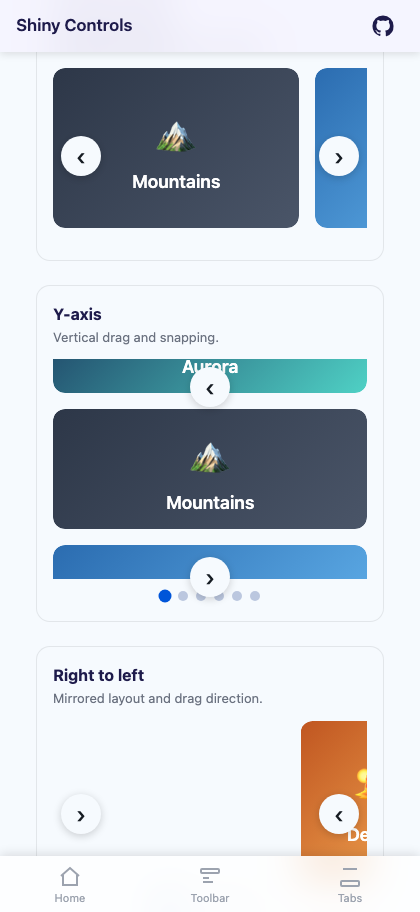 |
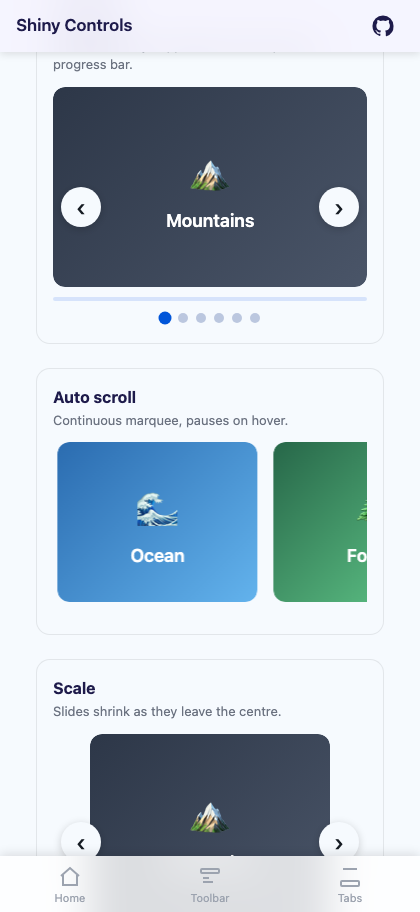 |
Features
Section titled “Features”| Feature | Description |
|---|---|
| Pointer drag engine | desktop click-drag and touch flick with friction/momentum; the container is translated by a single scroll position (no native scroll-snap). |
| Alignment | Align settles the active slide at the Start, Center, or End of the viewport. |
| Slides per view / to scroll | SlidesPerView sizes slides to fill the viewport; SlidesToScroll advances several at a time. |
| Variable widths | VariableWidths lets each slide size to its own content. |
| Vertical & RTL | Orientation="Vertical" (with ViewportHeight) and Rtl for mirrored layout and drag. |
| Seamless loop | Loop wraps around using per-slide repetition, so it works even with variable widths. |
| Drag free | DragFree gives momentum scrolling with no snapping. |
| Scroll-linked effects | Effect of Scale, Opacity, Parallax, or Fade, all driven by each slide’s distance from centre so they animate live while dragging. |
| Auto motion | discrete AutoPlay (with ShowProgress bar) or continuous AutoScroll marquee, both with PauseOnHover. |
| Chrome | arrows, dot indicators (one per snap), a ShowCounter “n / total” readout, and a ShowThumbnails navigation strip. |
| Lazy loading & keyboard | LazyLoad defers off-screen item templates; arrow keys / Home / End navigate. |
AI Skill
Section titled “AI Skill”Step 1 — Add the marketplace:
claude plugin marketplace add shinyorg/skillsStep 2 — Install the plugin:
claude plugin install shiny@shinyOne plugin installs all 48 Shiny skills. Your agent loads only the skill relevant to what you're building, so there's no cost to having them all available.
Step 1 — Add the marketplace:
copilot plugin marketplace add https://github.com/shinyorg/skillsStep 2 — Install the plugin:
copilot plugin install shiny@shinyOne plugin installs all 48 Shiny skills. Your agent loads only the skill relevant to what you're building, so there's no cost to having them all available.
Quick Start
Section titled “Quick Start”<Carousel TItem="Photo" Items="photos" SlidesPerView="3" Align="CarouselAlign.Start" SlidesToScroll="3" Loop="true" Effect="CarouselEffect.Scale" FocusedItemScale="1" UnfocusedItemScale="0.8" AutoPlay="true" AutoPlayInterval="3000" ShowArrows="true" ShowCounter="true" ShowProgress="true" @bind-CurrentPosition="snap" ItemSelected="OnSelected"> <ItemTemplate Context="p"> <img src="@p.Url" alt="@p.Title" /> </ItemTemplate></Carousel>
@code { List<Photo> photos = []; int snap;
void OnSelected(Photo p) { }}Properties
Section titled “Properties”| Property | Type | Default | Description |
|---|---|---|---|
| Items | IReadOnlyList<TItem> | – | Collection of items to display |
| ItemTemplate | RenderFragment<TItem> | – | Template for each slide |
| ThumbnailTemplate | RenderFragment<TItem> | – | Template for the thumbnail strip |
| PlaceholderTemplate / EmptyTemplate | RenderFragment | – | Lazy-load placeholder and empty-state content |
| Effect | CarouselEffect | None | Scroll-linked effect: None / Scale / Opacity / Parallax / Fade |
| Align | CarouselAlign | Center | Where the active slide settles: Start / Center / End |
| Orientation | CarouselOrientation | Horizontal | Horizontal or Vertical (vertical uses ViewportHeight) |
| SlidesPerView | double? | null | Slides visible at once (slides fill the viewport when set) |
| SlidesToScroll | int | 1 | Slides advanced per arrow/dot step |
| VariableWidths | bool | false | Slides size to their own content |
| ItemWidth / ItemHeight | double | 280 / 320 | Fixed slide size (px) when SlidesPerView is unset |
| ItemSpacing | double | 16 | Gap between slides (px) |
| ViewportHeight | double | 320 | Viewport height for vertical carousels (px) |
| Loop | bool | true | Seamless wrap-around |
| Rtl | bool | false | Mirrored layout + drag (horizontal only) |
| Draggable | bool | true | Enable pointer drag |
| DragFree | bool | false | Momentum scrolling with no snap |
| AutoPlay / AutoPlayInterval | bool / int | false / 4000 | Discrete timed advance (ms) |
| AutoScroll / AutoScrollSpeed | bool / double | false / 40 | Continuous marquee scroll (px/s) |
| PauseOnHover | bool | true | Pause auto-motion on hover/focus |
| FocusedItemScale / UnfocusedItemScale | double | 1.0 / 0.82 | Scale endpoints for the Scale effect |
| ParallaxFactor | double | 0.4 | Intensity of the Parallax effect |
| MinOpacity | double | 0.18 | Floor for the Opacity effect |
| ShowArrows / ShowIndicators | bool | true | Prev/next buttons; dots (one per snap) |
| ShowCounter / ShowProgress / ShowThumbnails | bool | false | “n / total” readout; scroll-position bar; thumbnail strip |
| LazyLoad / LazyLoadBuffer | bool / int | false / 1 | Defer item templates outside the buffer |
| CurrentPosition | int | 0 | Selected snap index (TwoWay) |
Methods & Events
Section titled “Methods & Events”Methods:
NextAsync()/PreviousAsync()— step one snapGoToAsync(snapIndex)— scroll to a snapGoToSlideAsync(itemIndex)— scroll to the snap containing a specific item
Events:
CurrentPositionChanged(EventCallback<int>) — the selected snap changed (drag, settle, autoplay)ItemSelected(EventCallback<TItem>) — the user clicked/tapped an item
Behavior
Section titled “Behavior”- Dots and the counter are keyed to snap points, not raw items — with
SlidesToScroll > 1there are fewer snaps than slides. - Effects are continuous: a slide at the centre is fully focused and blends toward the off-centre value as it moves, so dragging shows the effect mid-transition.
Looprepositions each slide to its nearest repetition off-screen, so wrap-around stays seamless with mixed slide widths (needs enough slides to fill the viewport plus the wrap distance).- A drag that moves past a small threshold suppresses the click that follows, so dragging never fires
ItemSelected. - The engine re-measures on resize and keeps the selected snap aligned.