


VideoText
Display text whose letters are windows onto a looping video, in the style of Magic UI’s video text. The video plays at full strength inside the glyphs. Everywhere else it sits under an overlay, black by default, with a colour and opacity you choose. Clear the overlay colour and everything around the letters is transparent instead, so whatever is behind the control shows through. The text can stay centred or scroll as a marquee, left, right, up or down.
It’s a decorative control. There’s no transport bar, no seeking and no fullscreen. The video starts as soon as it opens and loops forever, and sound is off until you turn it on.
VideoText ships in the MediaElement packages and uses the same player:


Screenshots
Section titled “Screenshots”MAUI
| iOS | Android |
|---|---|
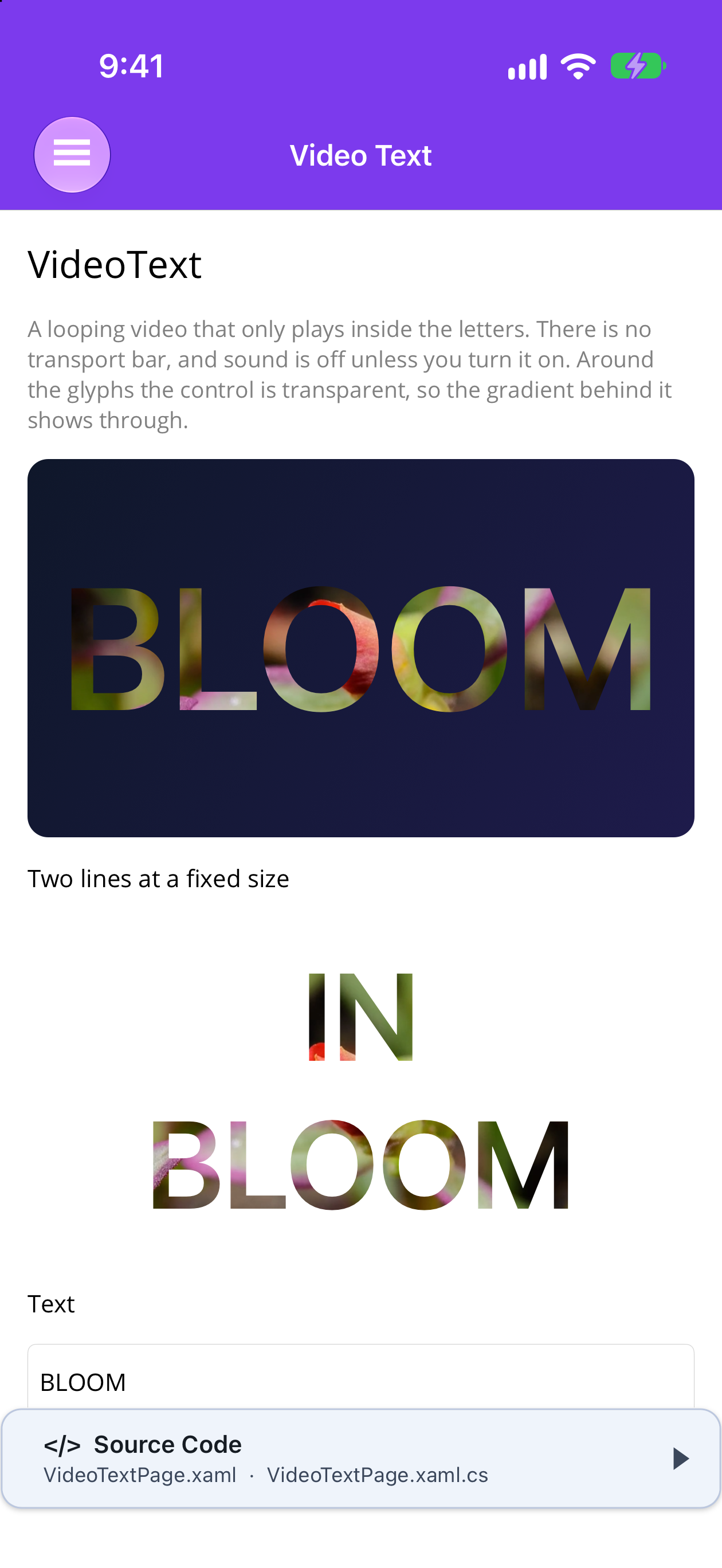 |
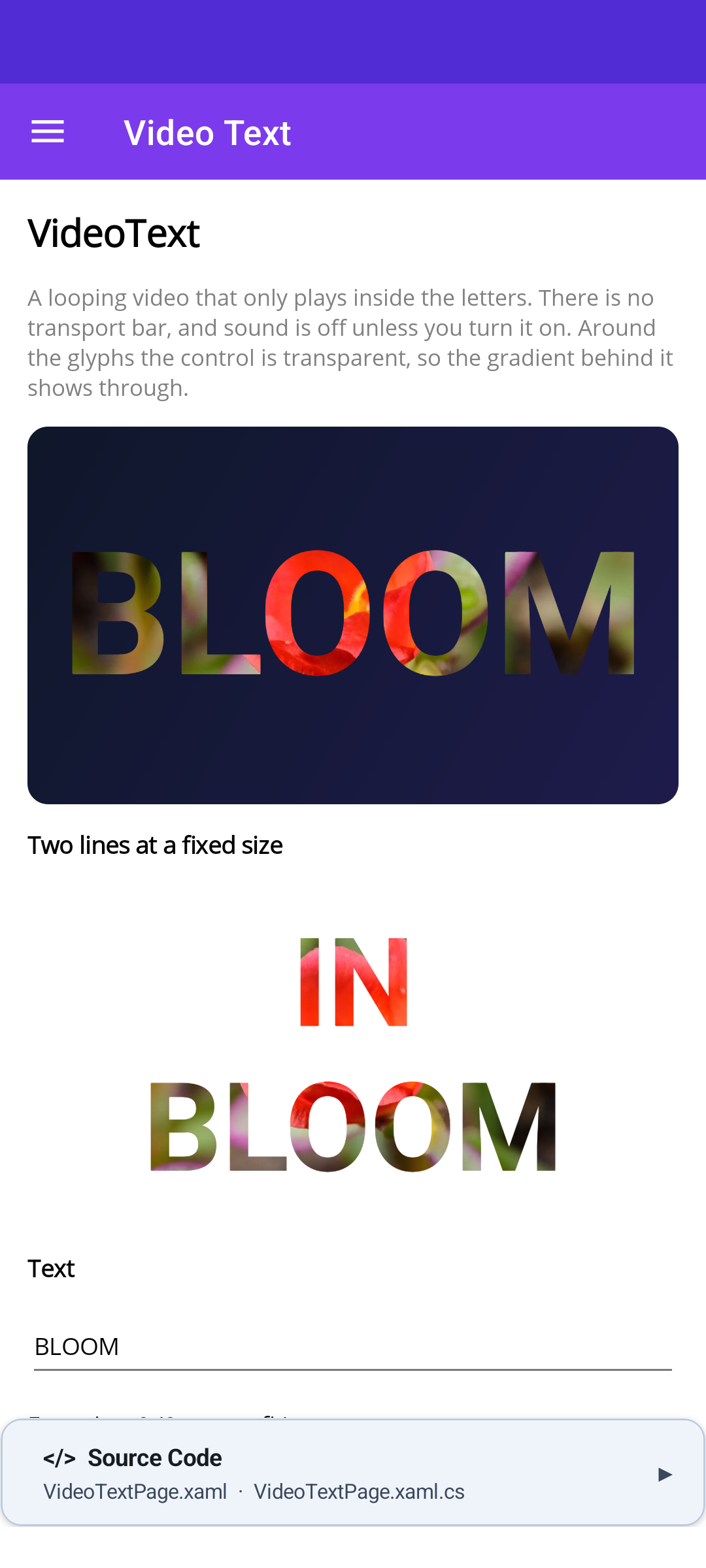 |
Blazor
| Auto-fit over a gradient | Two lines at a fixed size |
|---|---|
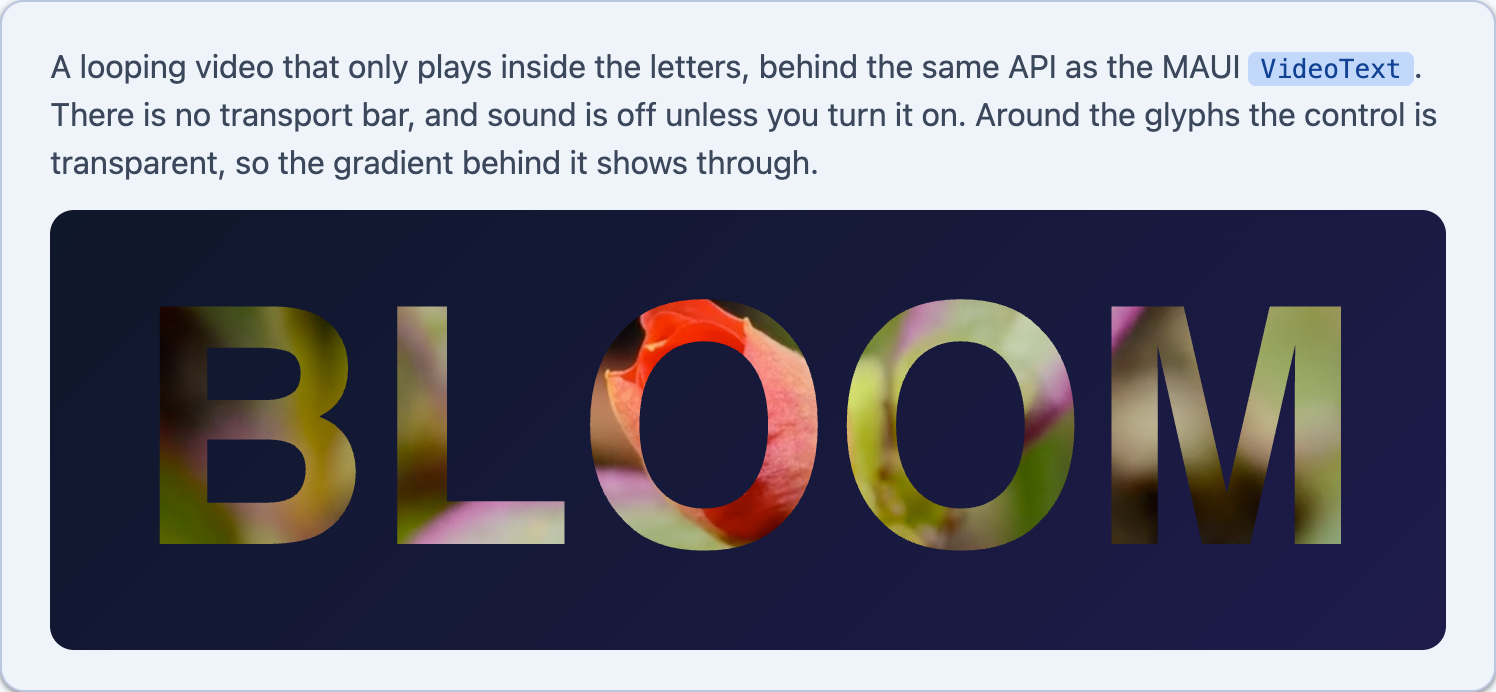 |
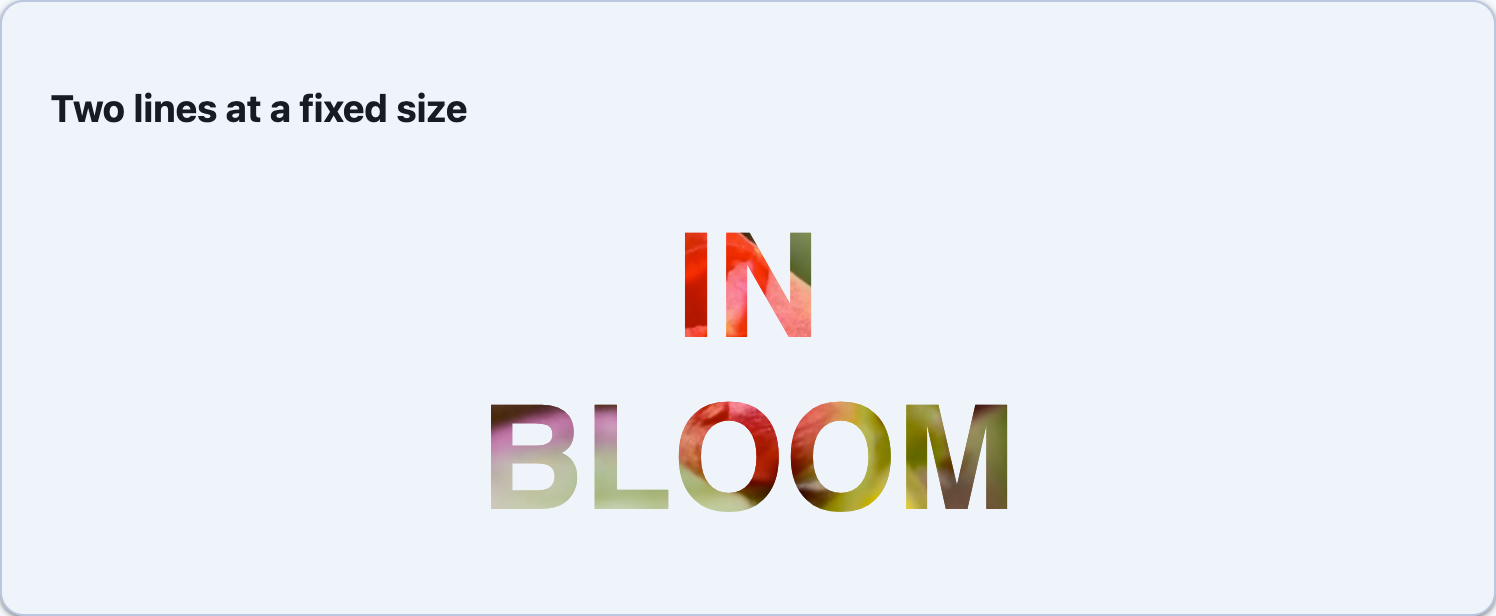 |
UseShinyMediaElement() registers the handler:
builder .UseShinyControls() .UseShinyMediaElement();<ContentPage xmlns:media="http://shiny.net/maui/media">
<media:VideoText Source="https://example.com/ocean.mp4" Text="OCEAN" HeightRequest="200" />
<!-- two lines, a fixed size, and sound on --> <media:VideoText Source="intro.mp4" Text="BIG WAVES" FontSize="72" FontFamily="OpenSansSemibold" IsMuted="False" HeightRequest="200" />
<!-- a see-through overlay, scrolling left --> <media:VideoText Source="intro.mp4" Text="SHINY CONTROLS" OverlayColor="#0F172A" OverlayOpacity="0.7" Marquee="Left" MarqueeDuration="0:0:6" HeightRequest="120" />
<!-- no overlay: transparent around the letters --> <media:VideoText Source="intro.mp4" Text="OCEAN" OverlayColor="{x:Null}" /></ContentPage>| Property | Default | Description |
|---|---|---|
Source |
null |
The video, as a MediaSource. A string is read as a URI, a file path or a Resources/Raw asset, the same as on MediaElement |
Text |
null |
The text cut out of the video. Only explicit line breaks ( ) split it; it’s never wrapped |
OverlayColor |
Black |
The sheet over the video around the letters. null, or a fully transparent colour, removes it and clips the video to the letters |
OverlayOpacity |
1 |
From 0 to 1. Below 1, the video shows faintly around the letters |
Marquee |
None |
Left, Right, Up or Down scrolls the text continuously across the control. The enum is MarqueeDirection in Shiny.Controls.Media |
MarqueeDuration |
8 seconds | How long one pass takes, from entering one edge to leaving the other |
FontSize |
0 |
0 auto-fits the text to 90% of the control on its tighter axis. With a marquee, only the cross axis counts: the height for left and right, the width for up and down. Any other value is a fixed size |
FontFamily |
system | A registered MAUI font alias or a platform font name |
FontAttributes |
Bold |
Thin strokes show very little video |
IsMuted |
true |
Set to False for sound |
FallbackTextColor |
label default | The text colour on platforms with no masked output (see below) |
The video always covers the control (AspectFill). Size the control to the box you want the text in. To show a gradient or an image between the letters, set OverlayColor="{x:Null}" and put the background on a parent, not on the control.
Platform support
Section titled “Platform support”On each platform VideoText puts a native mask over the same player that MediaElement uses:
| Platform | How it’s drawn |
|---|---|
| iOS, Mac Catalyst | The text is rendered once into its own layer. With an overlay, a coloured layer sits above the AVPlayerLayer, masked by the inverted text. Without one, the text masks the player layer. A marquee animates the text layer in Core Animation |
| macOS (AppKit) | The same, rendered through a CGBitmapContext |
| Android | ExoPlayer renders into a TextureView. The overlay is drawn in its own layer with the glyphs cleared by DST_OUT. Without an overlay, the text is composited over the video with DST_IN. A marquee moves the text a little each frame |
| Windows, Linux (GTK4) | No mask yet. The text is shown in FallbackTextColor on the overlay colour, and the marquee scrolls it. No video is loaded. VideoText.IsMaskSupported tells you which you got |
Android needs a TextureView because Media3’s default SurfaceView is a separate window surface, and nothing drawn in the view hierarchy can mask it.
Blazor
Section titled “Blazor”@using Shiny.Blazor.Controls.Media
<VideoText Source="https://example.com/ocean.mp4" Text="OCEAN" Style="height:220px;" />
@* a see-through overlay, scrolling left *@<VideoText Source="intro.mp4" Text="SHINY CONTROLS" OverlayColor="#0f172a" OverlayOpacity="0.7" Marquee="MarqueeDirection.Left" MarqueeDuration="TimeSpan.FromSeconds(6)" Style="height:120px;" />
@* no overlay: transparent around the letters, over the parent's gradient *@<div style="background:linear-gradient(135deg,#0f172a,#1e1b4b);"> <VideoText Source="intro.mp4" Text="OCEAN" OverlayColor="@null" Style="height:220px;" /></div>| Parameter | Default | Description |
|---|---|---|
Source |
null |
Video URL |
Text |
null |
\n starts a new line |
FontSize |
0 |
CSS pixels. 0 auto-fits |
FontFamily |
sans-serif |
Any CSS font family when there’s an overlay, web fonts included. Without an overlay, a system font or a generic family only (see below) |
FontWeight |
bold |
Any CSS font-weight |
FontStyle |
null |
For example italic |
OverlayColor |
black |
Any CSS colour. null, transparent or none removes the overlay |
OverlayOpacity |
1 |
From 0 to 1 |
Marquee |
None |
MarqueeDirection.Left, Right, Up or Down (add @using Shiny.Controls.Media) |
MarqueeDuration |
8 seconds | One pass |
IsMuted |
true |
|
Preload |
auto |
The video’s preload hint |
CssClass / Style |
The container is 200px tall by default. Your Style is added after the mask, so it never replaces it |
With an overlay, the component lays an inline SVG over the video: a rectangle in the overlay colour with the text cut out of it. Without an overlay, the text is an SVG used as a CSS mask-image on the container. For auto-fit, the browser measures the glyphs and the component sizes the SVG’s viewBox to them, so still text scales with the container by itself. A marquee is laid out in pixels from the container’s size, which a ResizeObserver reports, and scrolls with a CSS animation inside the SVG.